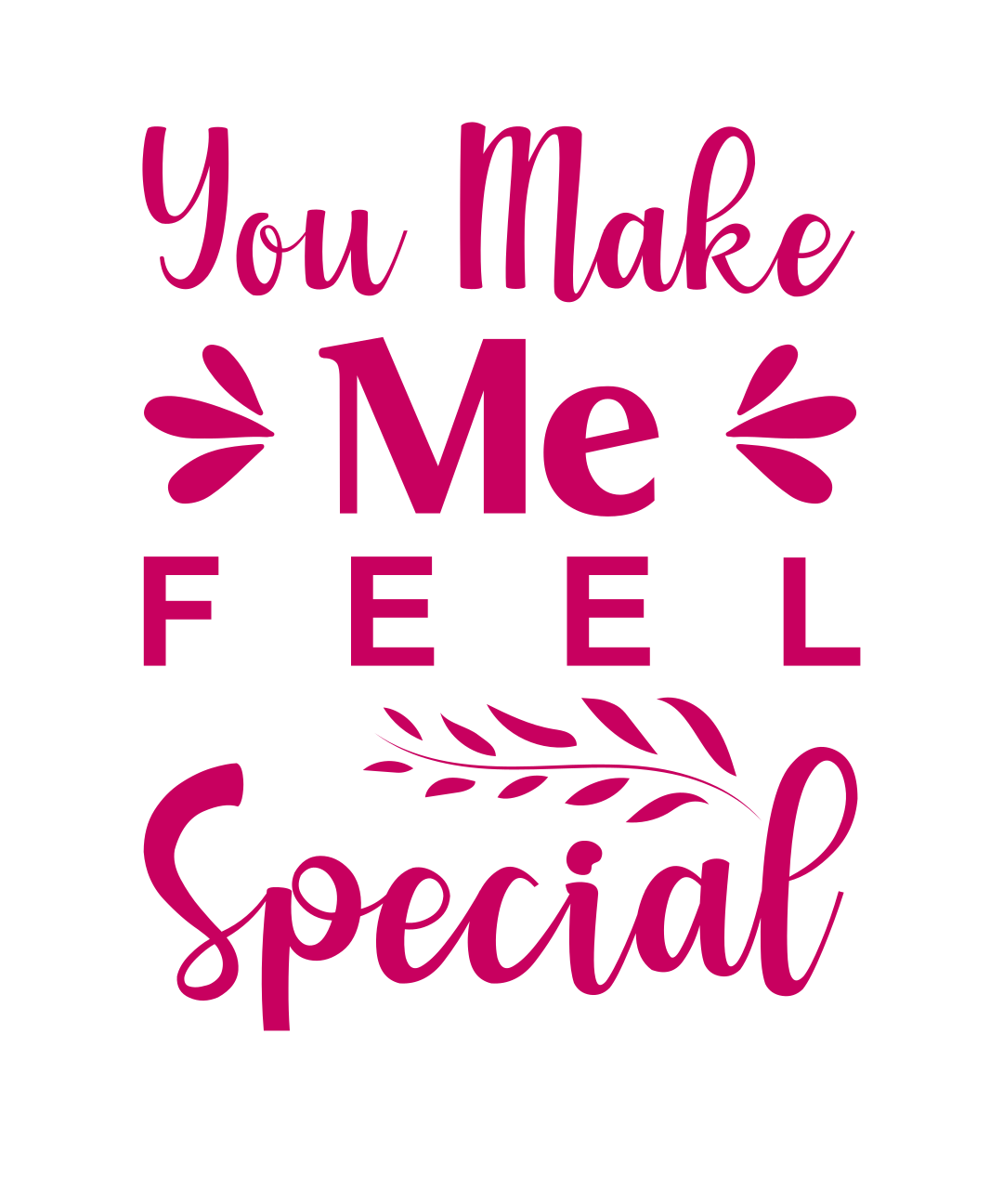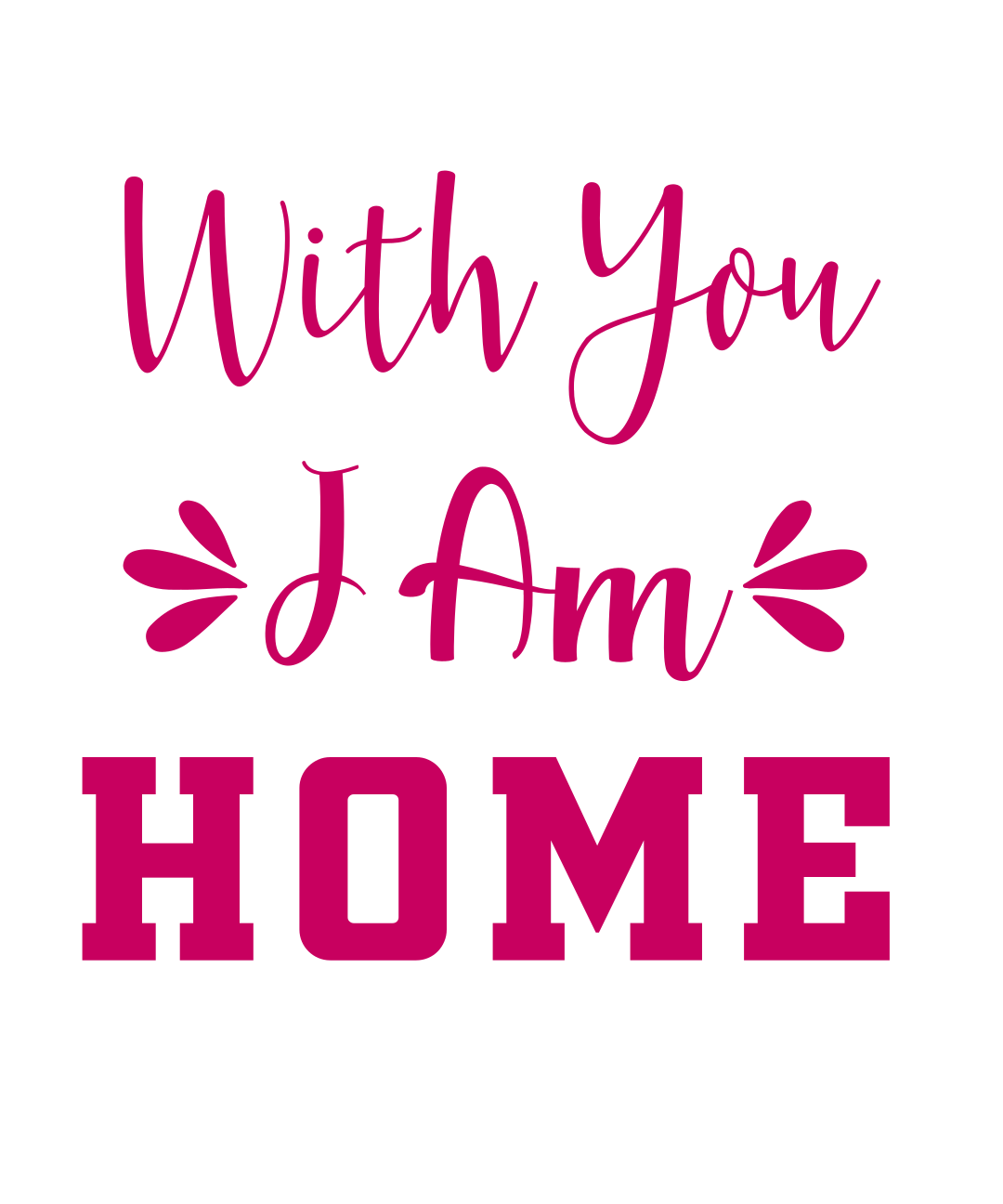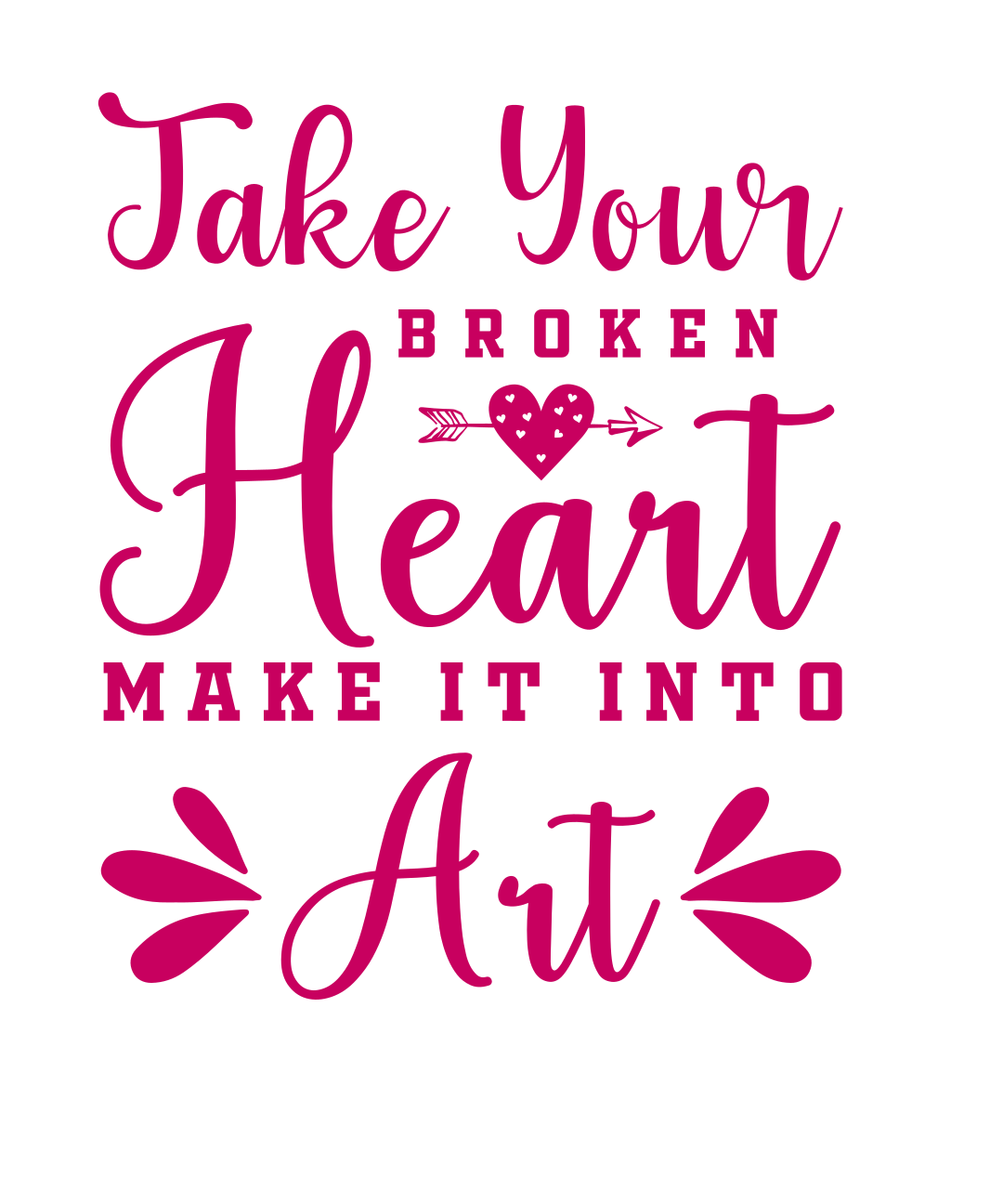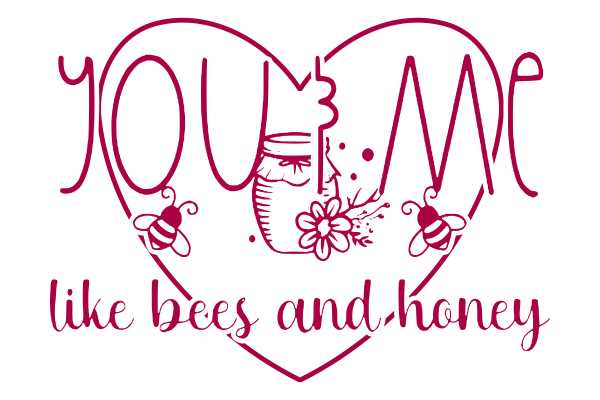
You & Me SVG
Free you & me SVG cut file, ready for Cricut Design Space and Silhouette Studio. Download it, upload it to your cutting software, size it to your blank and cut.
Works for iron-on vinyl on shirts and totes, adhesive vinyl for mugs and tumblers, cardstock for cards, and print-then-cut stickers. Personal and small-business use is covered by our free SVG license.
How to use this file
Cricut Design Space: open a new canvas, click Upload, choose the .SVG file, then Add to Canvas. The layers stay separate so you can change colors before you cut.
Silhouette Studio: Designer Edition opens the .SVG directly. On the free Basic edition, use the .DXF version instead when it is listed above.
Sizing and materials: size the design to your blank before cutting — around 8–10 inches wide for an adult shirt, 3 inches for a mug or tumbler decal. Mirror the image when you cut heat transfer vinyl.
Step-by-step screenshots live in our guide to using SVG files.